Find it.
Play it.
Beam it.
A flexible radio player for the way you actually listen.
Discover stations, bring your own compatible streams, save what you like, listen locally or cast it to another device, and build StreamBeam into your daily listening routine.
Coming soon to the App Store
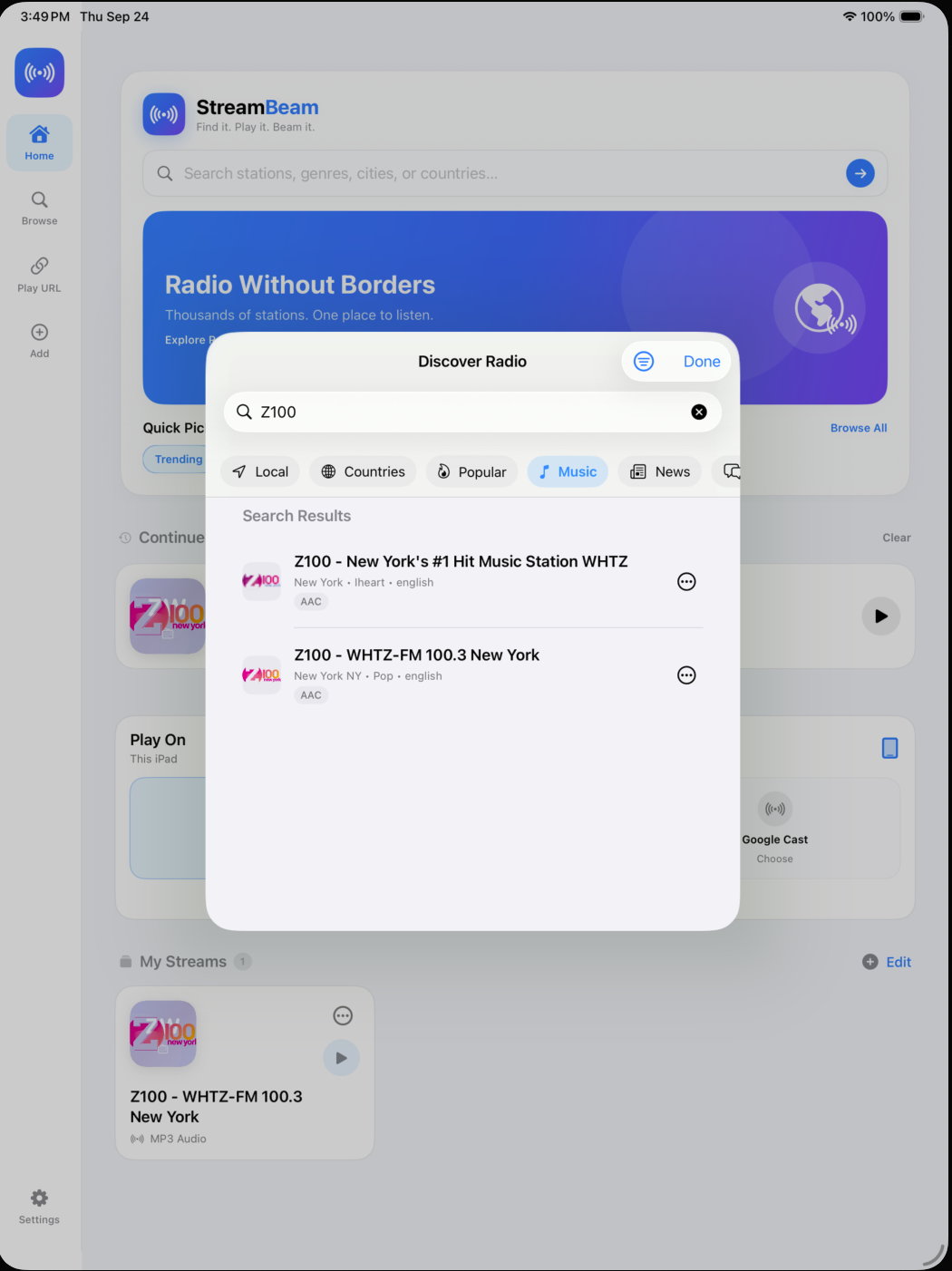
Find something to listen to.
Discover radio by station, country, location, genre, and more. Browse what's available and find something worth keeping.
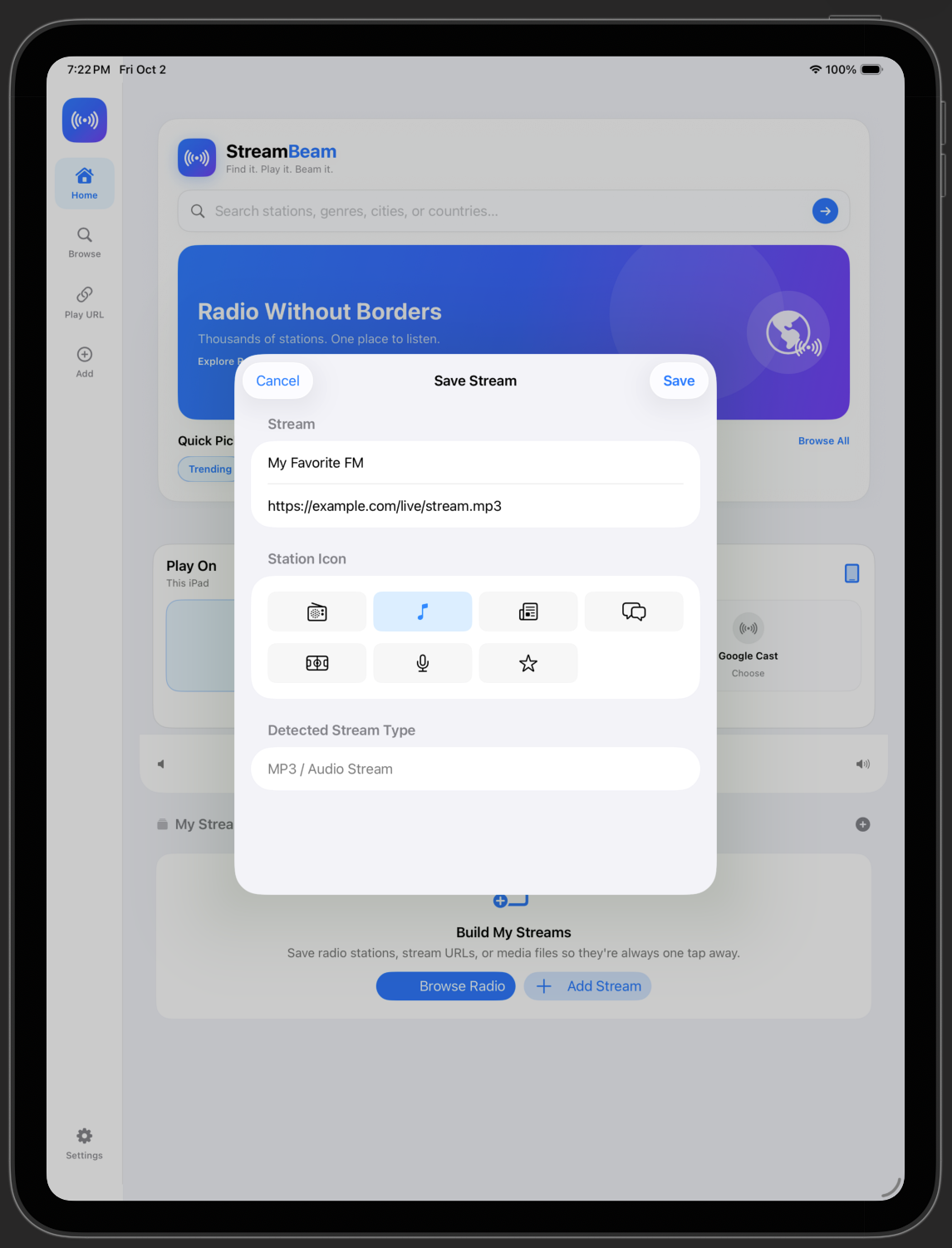
Not in the directory? Bring it with you.
Add a compatible stream URL, give it a name and icon, and make it part of your StreamBeam library.
Keep the streams you actually listen to.
Save stations and custom streams so the things you listen to most are always within reach.
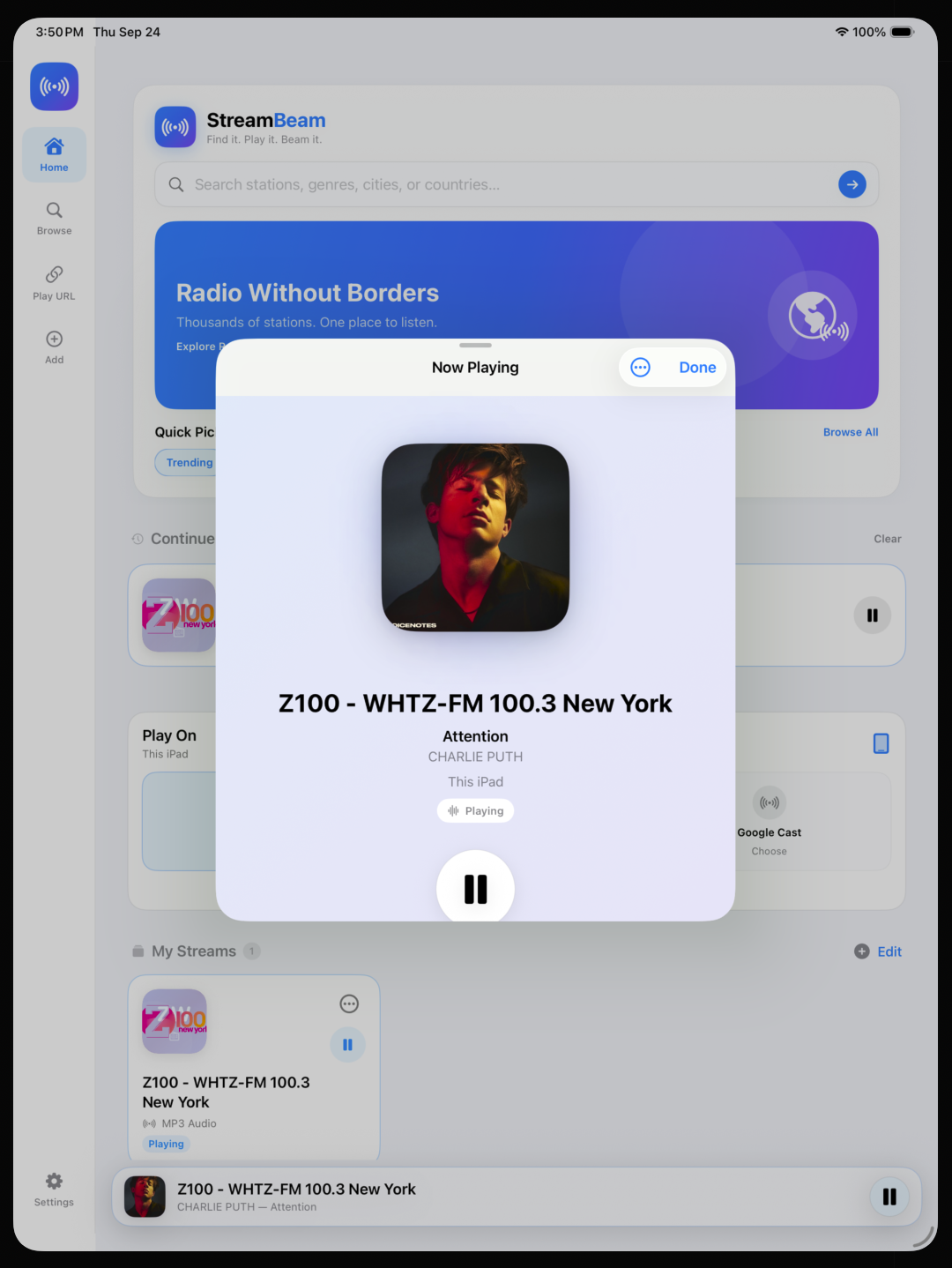
Just press play.
A clean Now Playing experience brings together station information, live metadata, available artwork, and playback controls without getting in the way of listening. When a station or stream provides artwork, StreamBeam displays it; when artwork is unavailable, a simple fallback keeps the experience consistent.
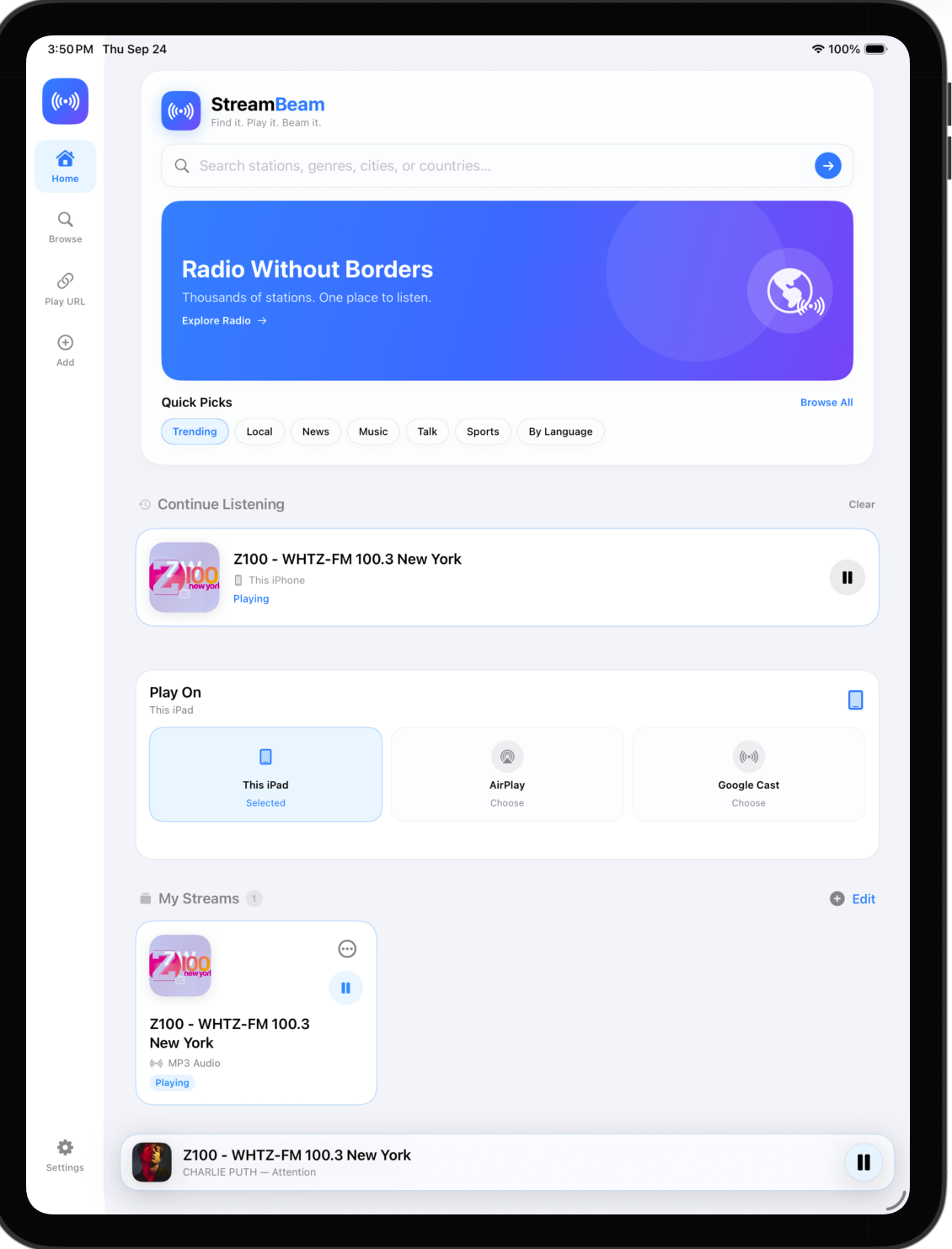
Your audio. Your screen. Your speakers.
Listen directly on your iPhone or iPad, use AirPlay, or send compatible streams to Google Cast devices—all from one place.
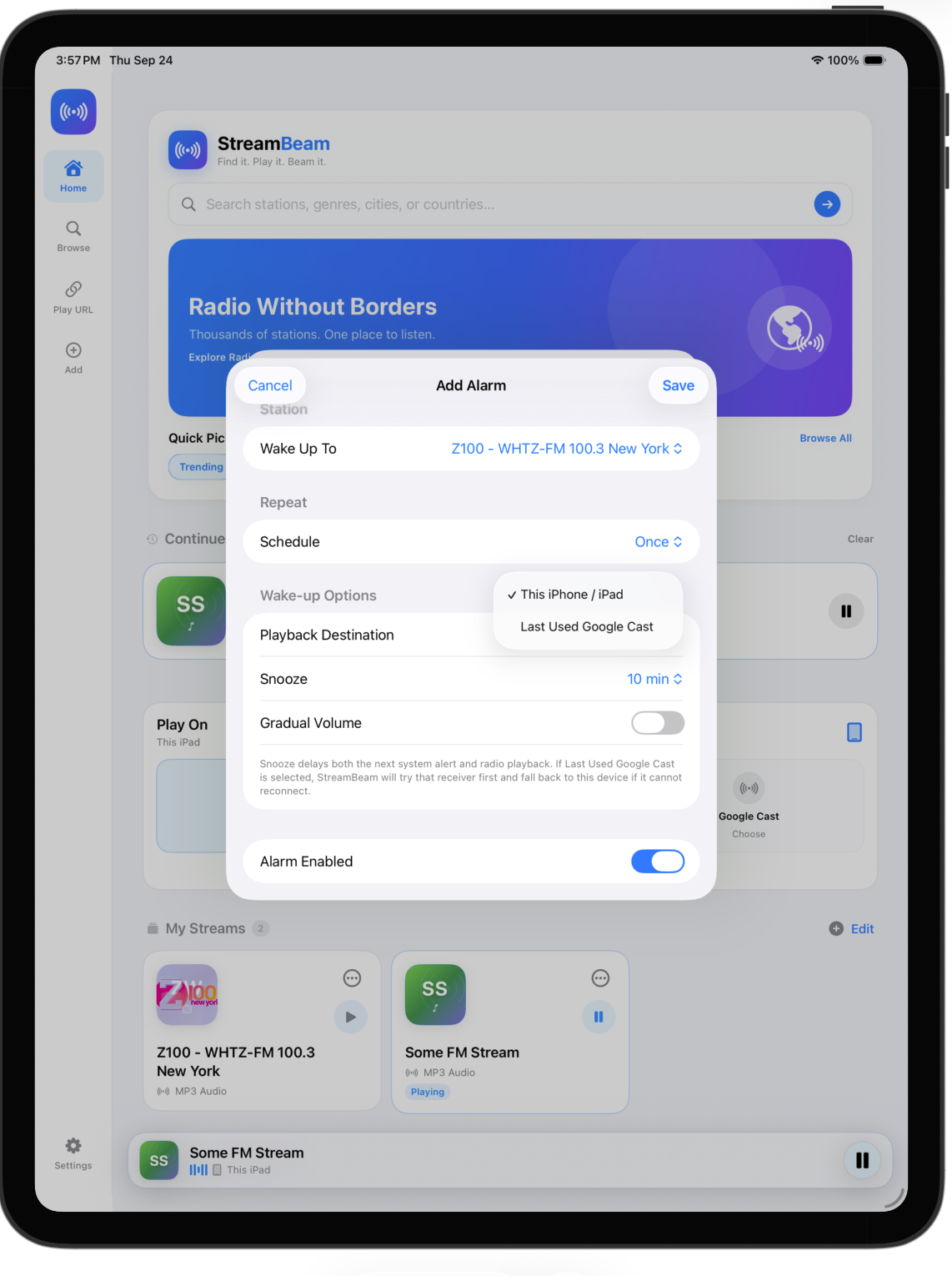
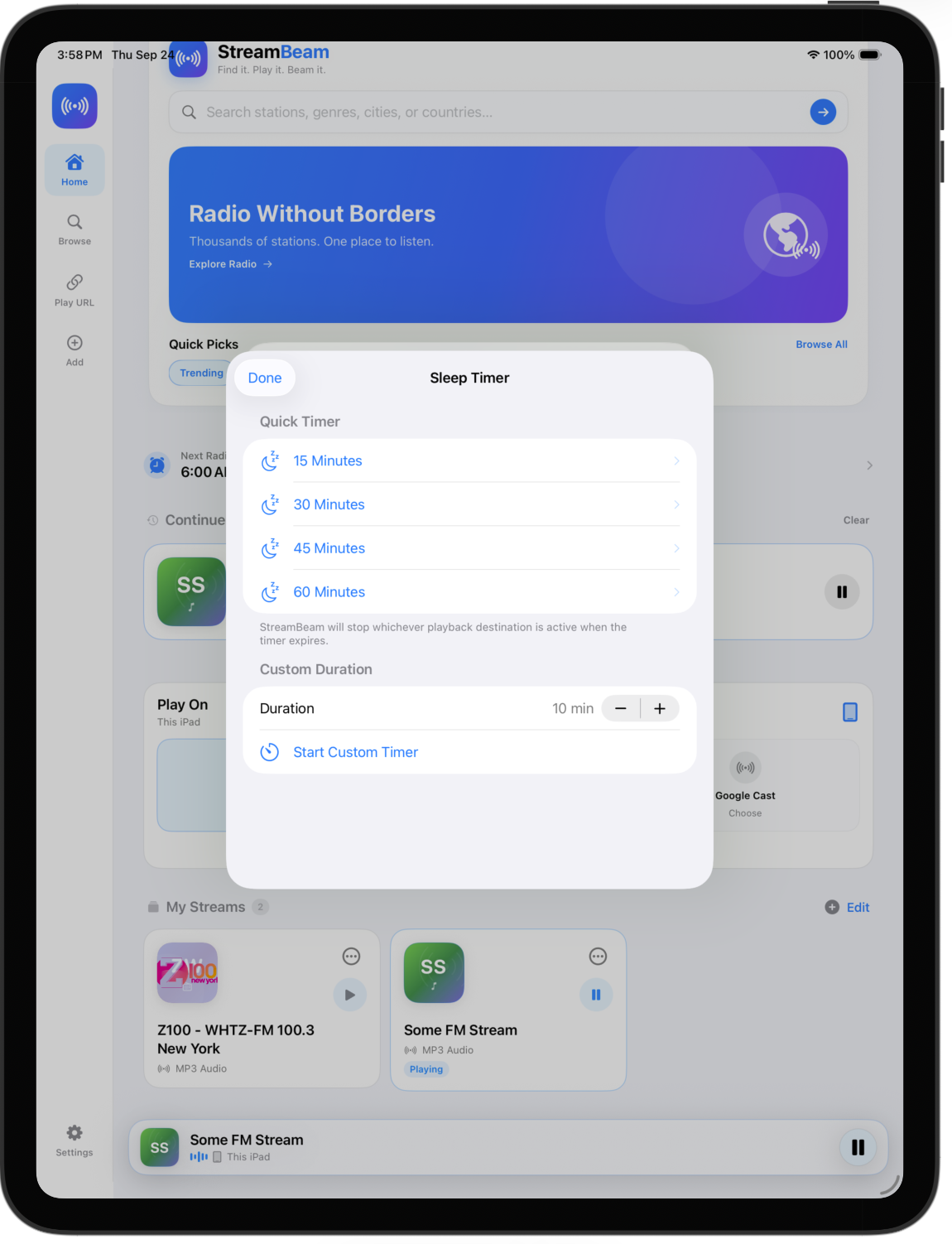
Wake up to it. Drift off to it.
Set a Radio Alarm with the station you choose, or use Sleep Timer when you’re done listening.